

Overview
Reown AppKit (formerly WalletConnect) is a library for adding wallet connections to your onchain applications. It provides a polished modal interface with support for multiple wallets, email authentication, and social logins. By integrating Reown with Base Account, you can provide users with seamless onboarding through Base’s native smart wallet while maintaining access to other sign in methods.What you’ll achieve
By the end of this guide, you will:- Set up Reown AppKit with Base Account as a featured wallet option
- Configure the modal to prioritize Base Account in the wallet list
- Optionally add a custom Coinbase Wallet connector for legacy SDK access
Installation
After creating a new Next.js project, install the required dependencies:Get Your Reown Project ID
Before you can use Reown AppKit, you need to obtain a project ID from Reown Cloud.- Visit Reown Cloud Dashboard
- Sign up for a free account or log in if you already have one
- Create a new project and copy the project ID
Configuration
1. Set up Environment Variables
Create a.env.local file in your project root:
.env.local
2. Configure the Wagmi Adapter
Create a config file to set up the Wagmi adapter with your networks:src/config/index.ts
3. Create the AppKit Provider
Create a context provider that initializes AppKit and wraps your application:src/context/index.tsx
4. Add Provider to Layout
Update your root layout to use the context provider:src/app/layout.tsx
Usage
Using the AppKit Button
Reown provides a web component for the connect button. Create a component to use it:src/components/ConnectButton.tsx
src/app/page.tsx
Run the project locally
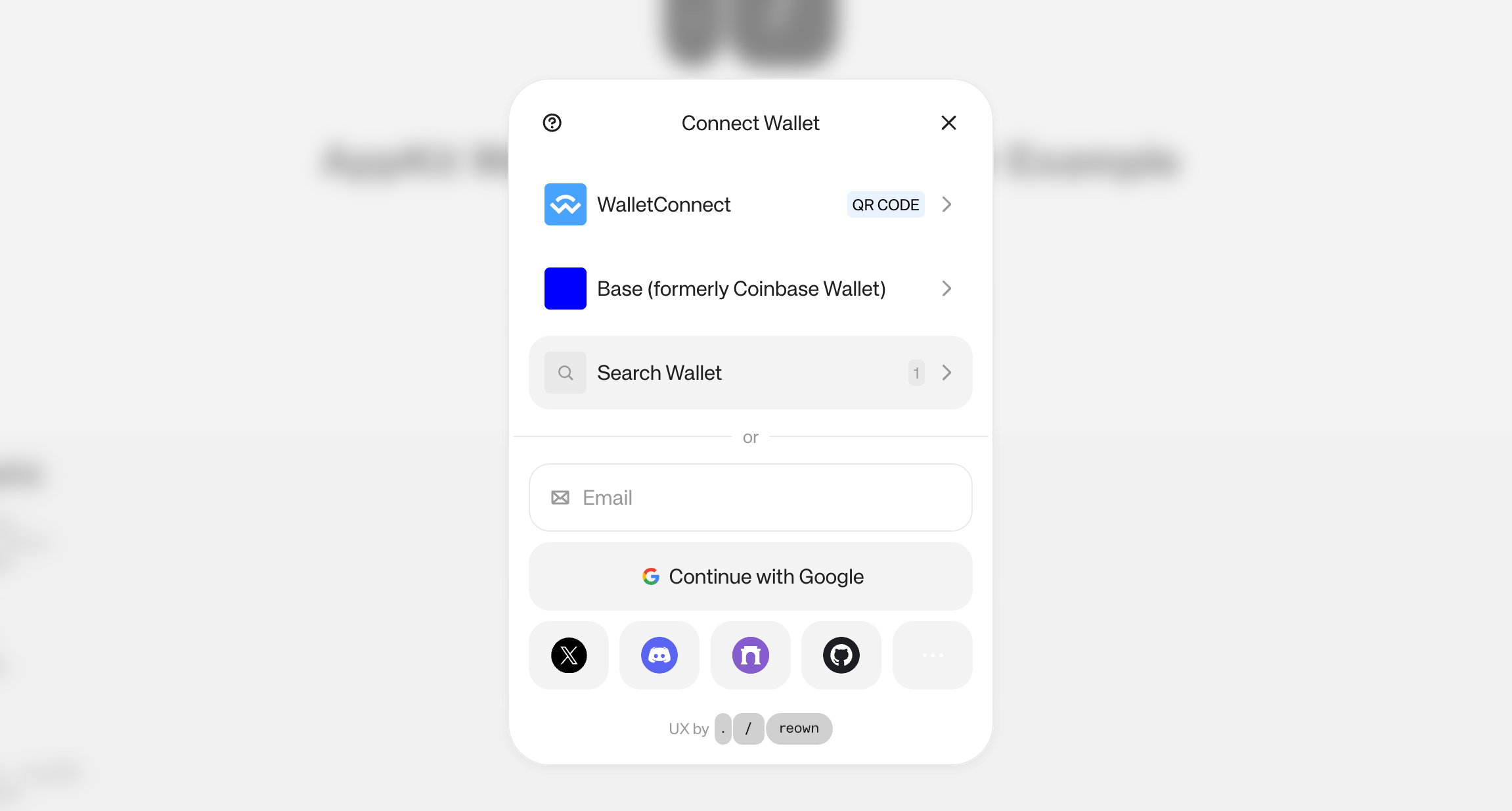
Adding Coinbase Wallet SDK Connector
If you need access to the legacy Coinbase Wallet SDK (for EOA wallet support), you can add a custom connector alongside Base Account.Update the Wagmi Adapter
Modify your config to include the Coinbase Wallet connector:src/config/index.ts
Coinbase Wallet Preference Options
Thepreference option controls which wallet type is displayed: